Alpha 0.01: Hello, Astraia
Alpha 0.01 is the first build of Astraia for anyone to try. It’s early: expect rough edges, and don’t keep anything precious in it yet, because until the first stable release your data may be wiped between builds.
Astraia means “starry”, and you say it as-TRY-uh. We wanted a browser that feels like a clear night: dark where it should be, bright where it matters, and quiet enough to think.
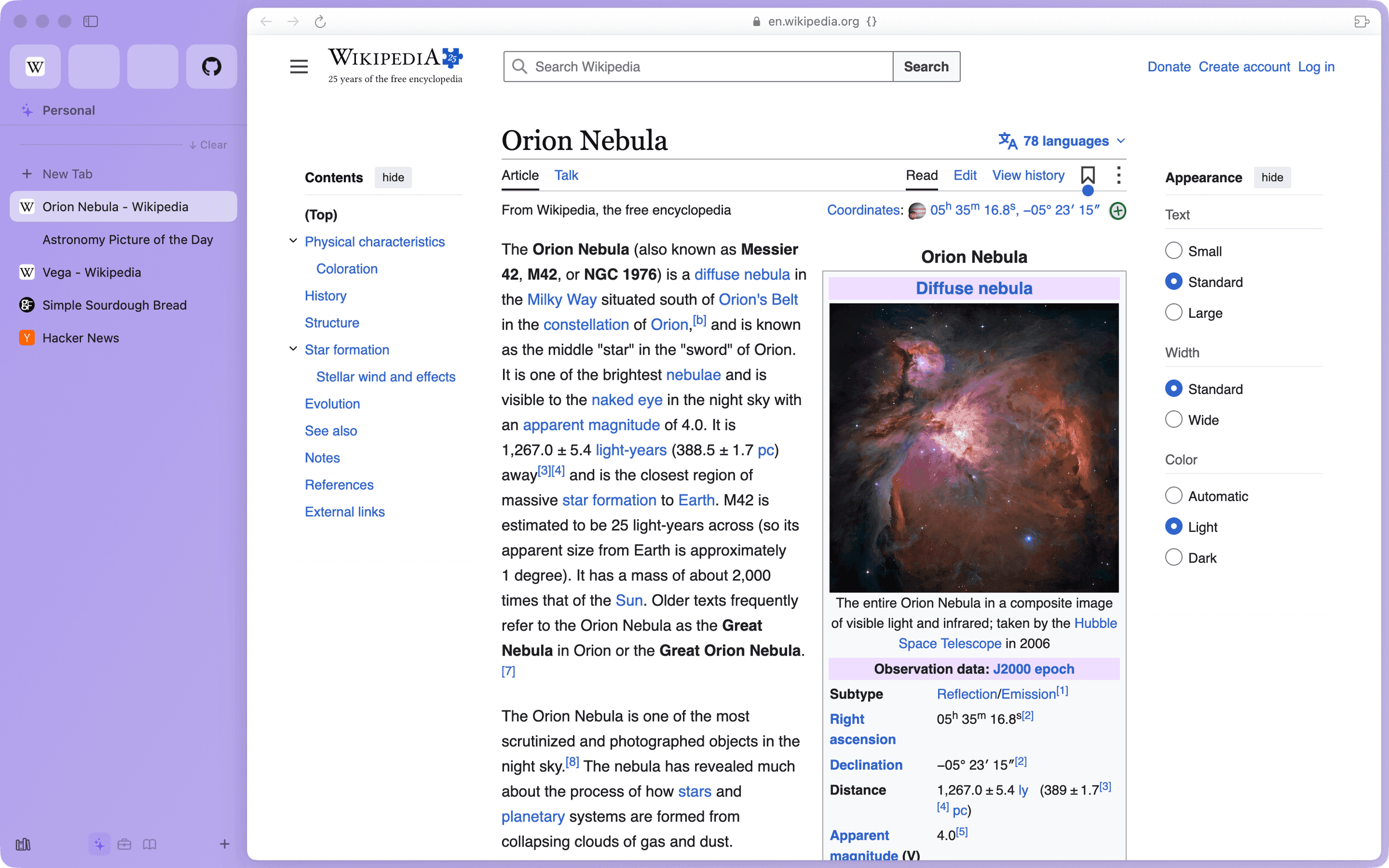
A sidebar and spaces
Tabs live down the side, grouped into spaces for work, home and whatever else you’re into. Each space has its own name, icon and colour, and can keep its own sign-ins.
Built on Chromium
Astraia draws pages with Chromium, the engine inside Chrome, so the sites you use every day behave the way their makers intended. Your Chrome extensions install once for the whole browser and stay tucked away until you want them.
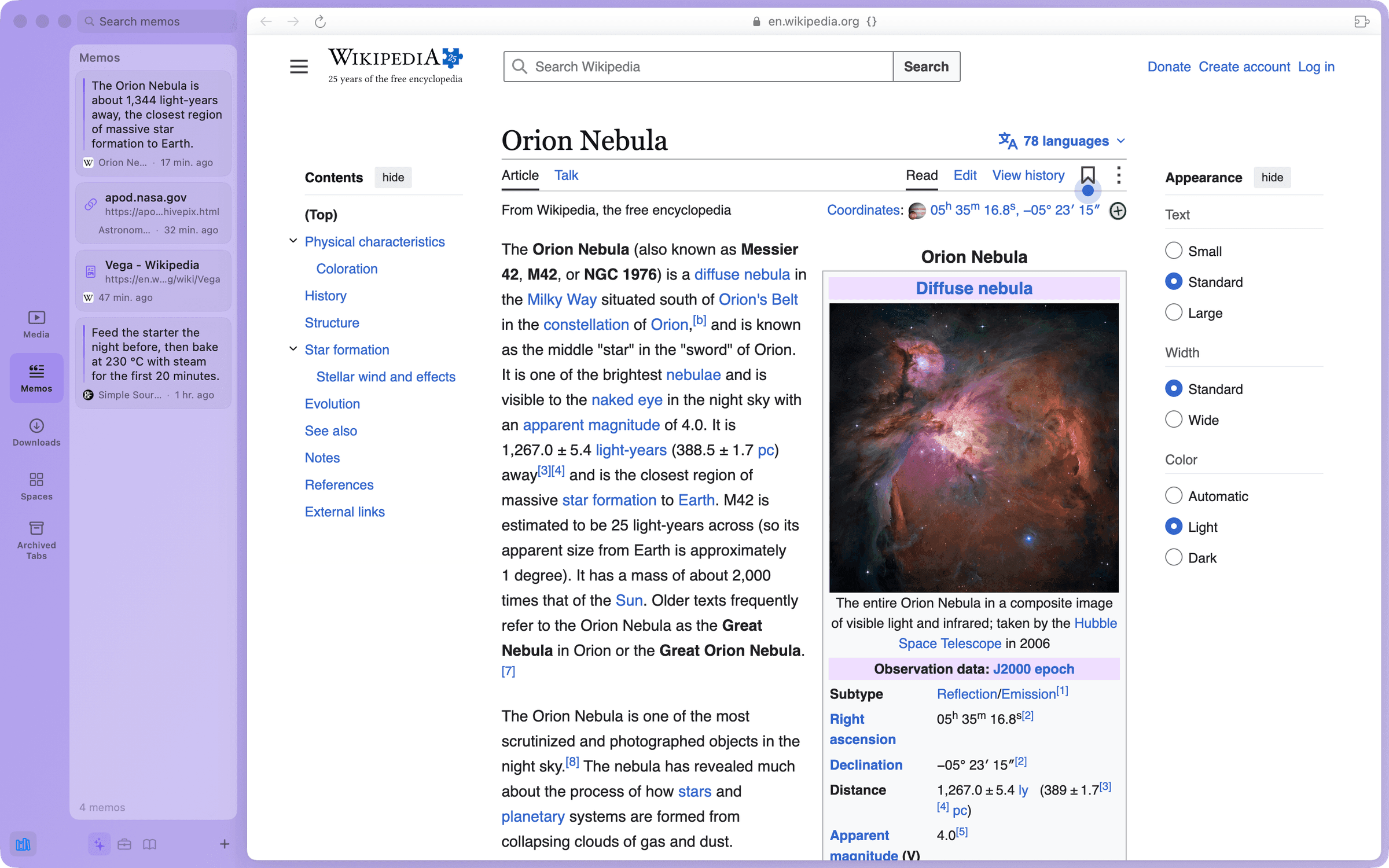
Add to Memo
Right-click almost anything (a picture, a link, some text or the whole page) and choose Add to Memo, always at the bottom of the menu where your hand expects it. Everything you keep shows up in the Memos section of the Library.
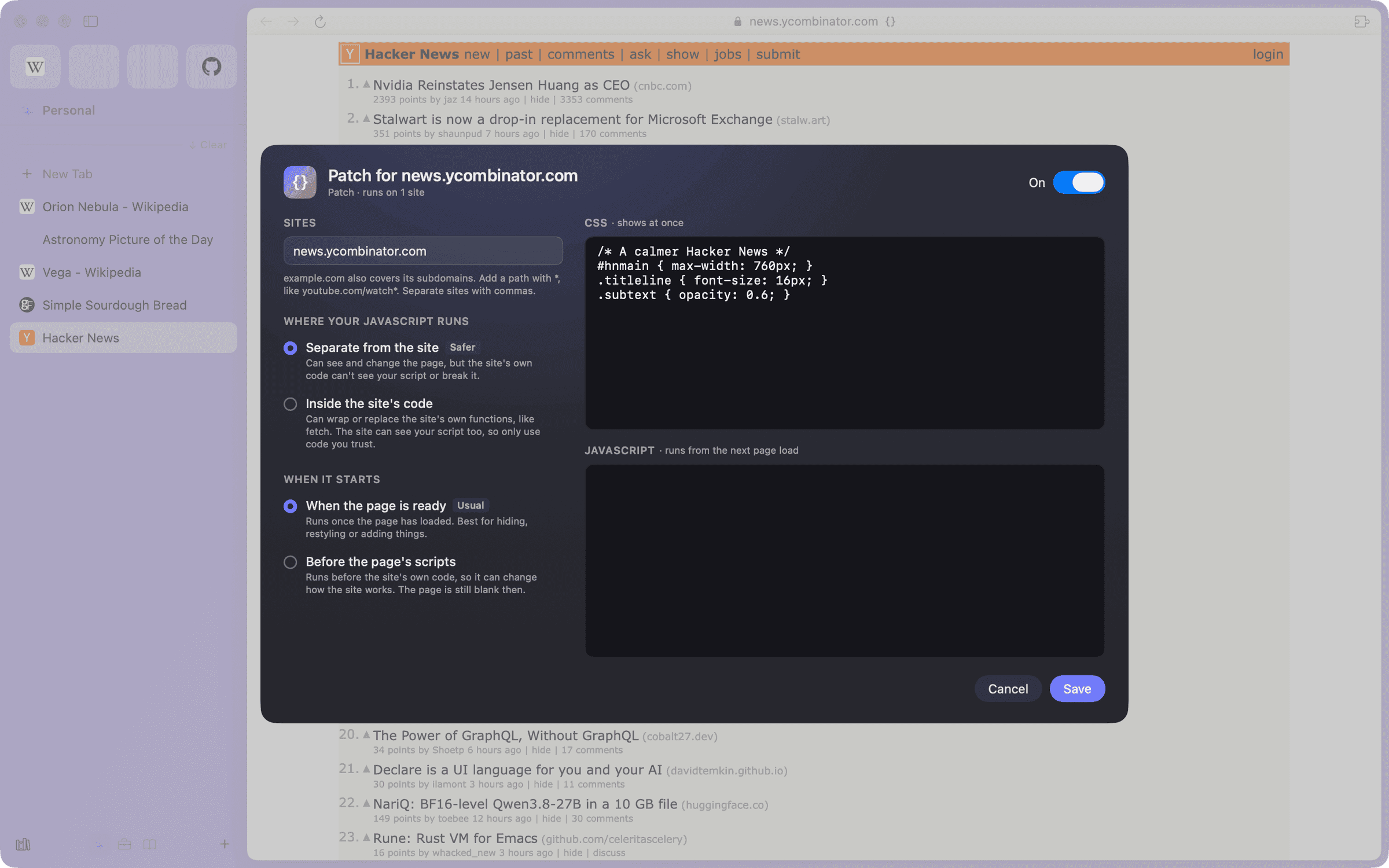
Patches
Write your own CSS and JavaScript for the site you’re on: hide the clutter, bump the font, make the internet behave. A patch stays on every time you come back.
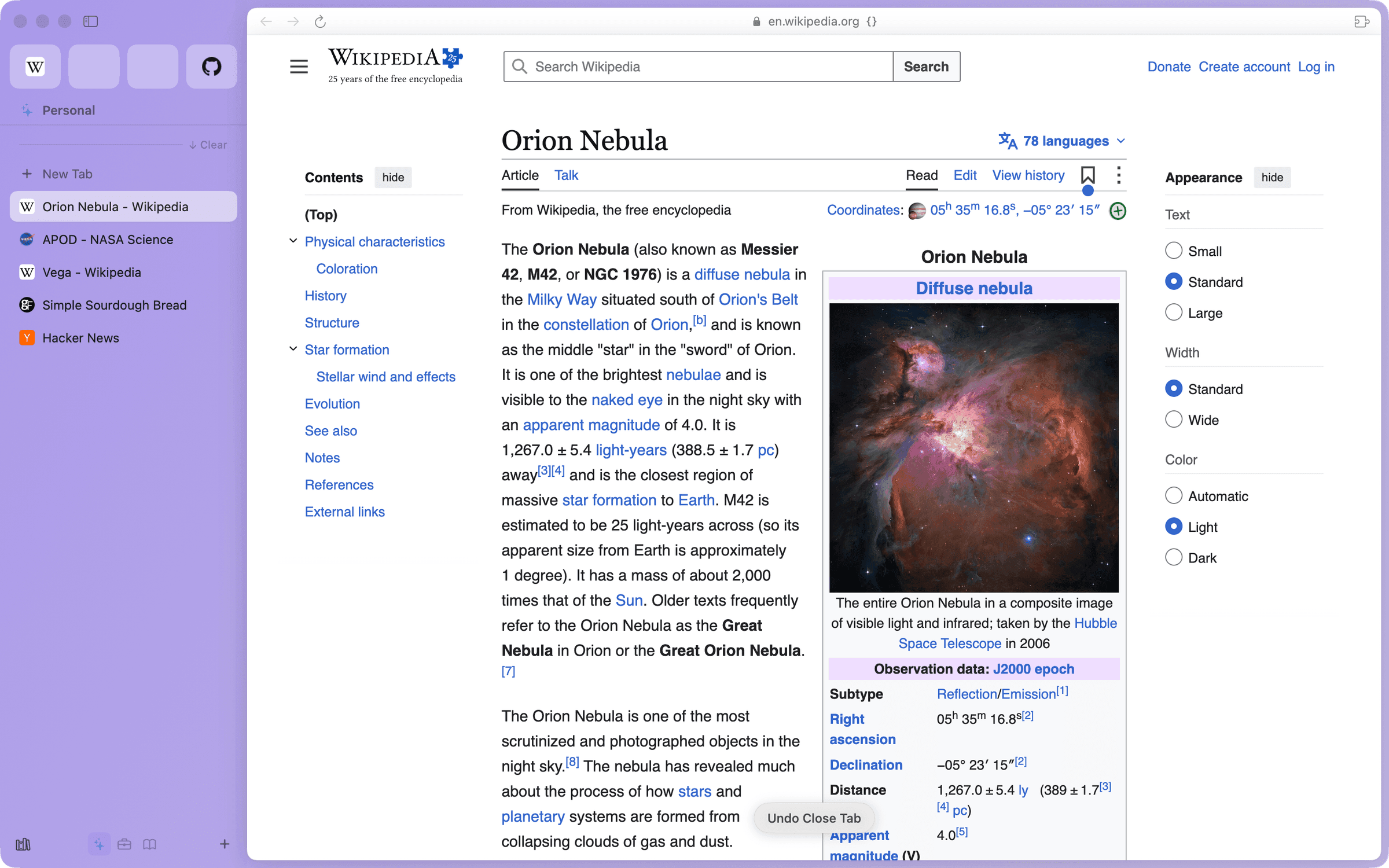
Undo and Redo, for the sidebar too
Closing tabs, clearing Today, deleting folders and spaces, moving things around, even an import: it can all be undone and redone, with a small prompt that stays out of your way.
A command bar that knows your tabs
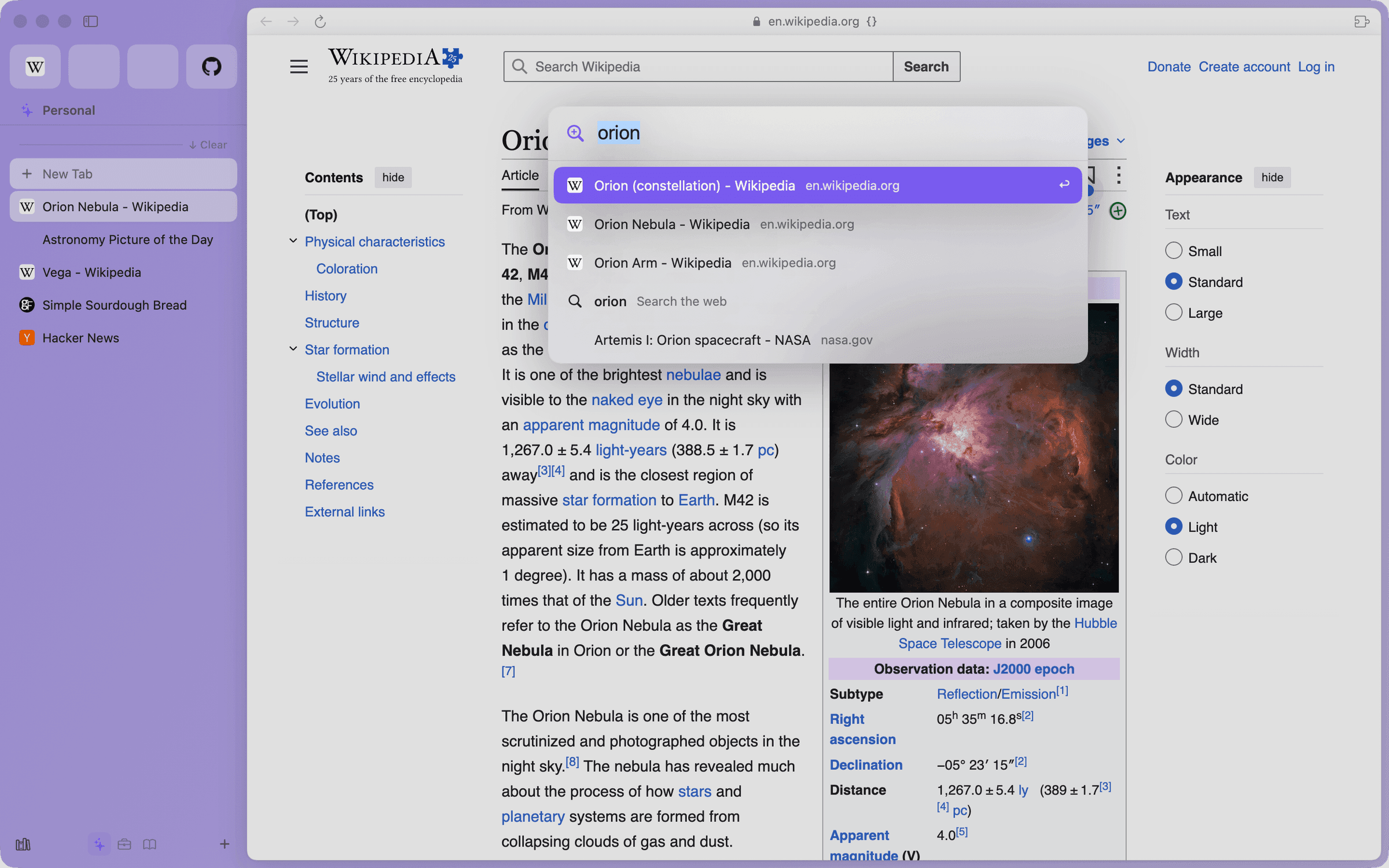
Press Cmd-T and type. Open tabs and history come before web search, addresses finish themselves, every menu command is in there, and you can search inside a site without opening it first.
Split view, up to four
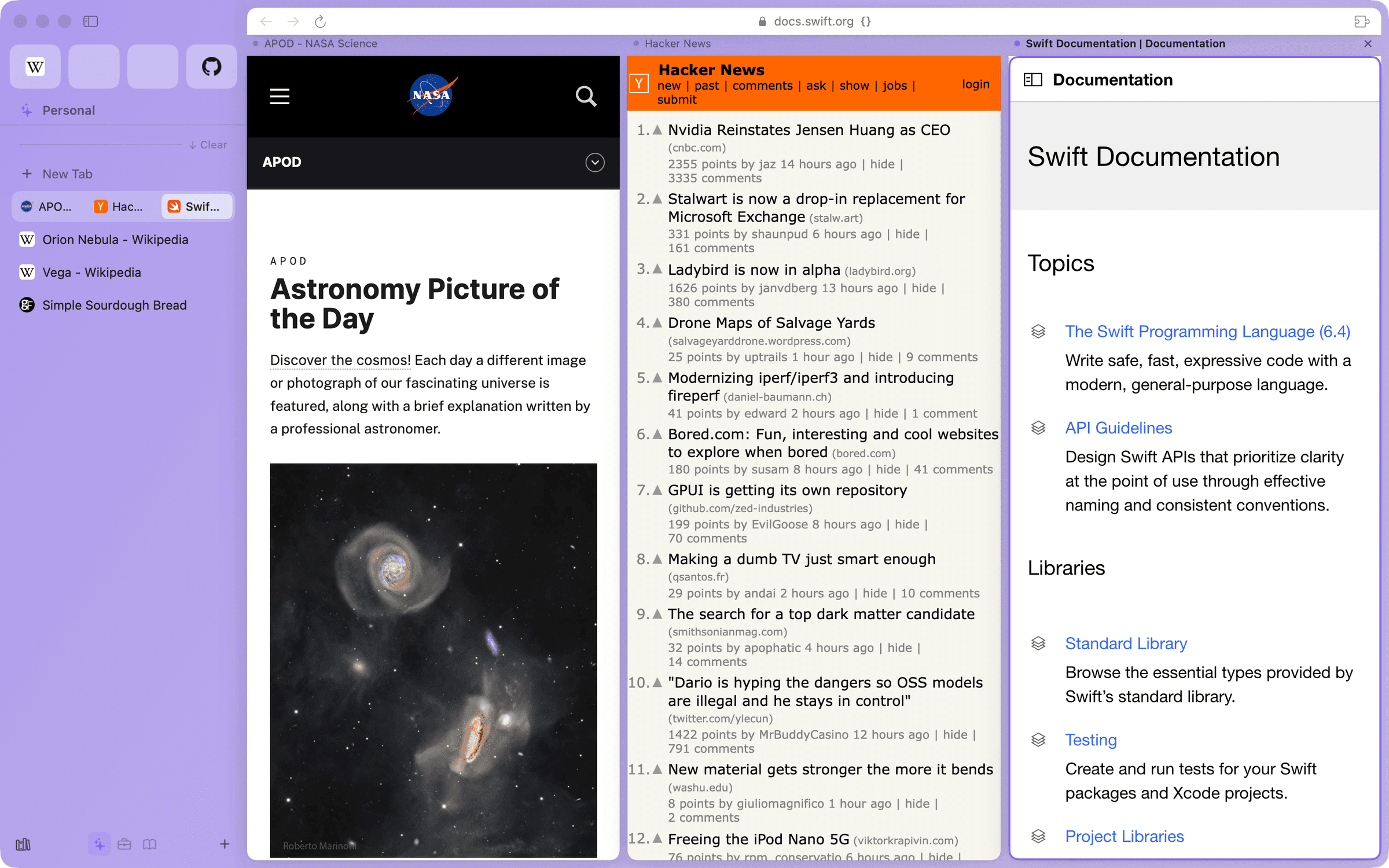
Put up to four tabs side by side. They show up as one tidy group in the sidebar, and clicking a pane focuses that pane.
Also inside
- Moving in from another browser? Astraia finds Chrome, Safari and friends for you, and each one imports in a single click.
- Ads and trackers are blocked out of the box.
- Reader, Translate and Peek are one click away, and Translate runs on your Mac.
- Each space can keep its own website data, and private windows forget everything when you close them.
- Select several tabs at once and act on them together.
- Right-click a link for Peek, Split View or another space, or just drag it where you want it.
- The Mini Player floats over the sidebar while something is playing.
- VoiceOver reads out tabs, favourites, the command bar and icon buttons.